Vokera data plate: where the serial number and GC number are
By Jordan Valentine-Dunn, Gas Safe registered engineer · 10 September 2026
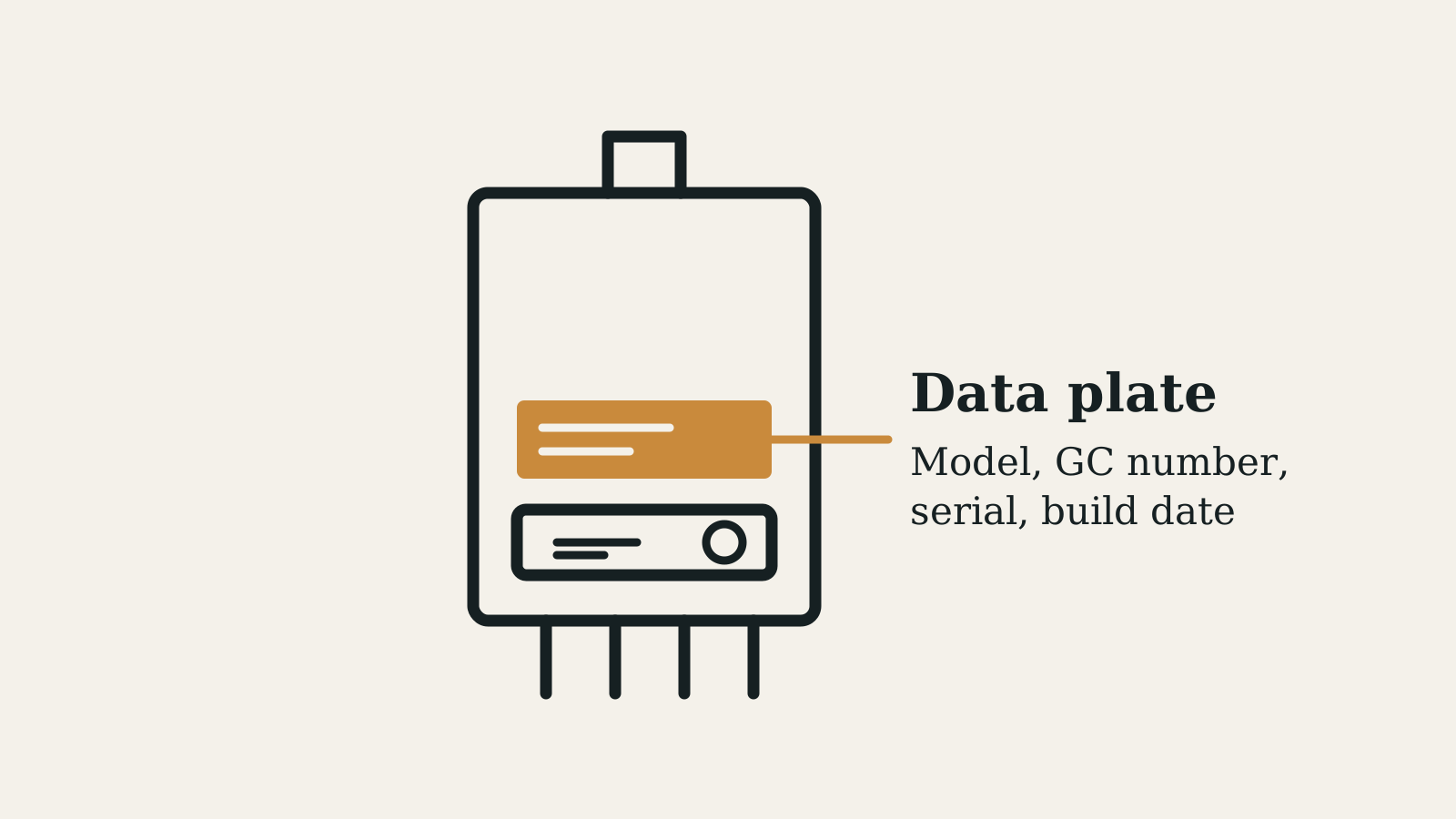
On a Vokera the model, the GC number, the serial number and the date of manufacture all sit on one appliance data badge. Vokera does not publish where that badge is fitted, so you have to find it on the boiler. The serial is also printed on the installer leaflet packed in the carton.
Where is the serial number on a Vokera boiler?
On the appliance data badge, and on a serial number sticker on the installer leaflet that comes in the boiler carton. Vokera's own Affinity guide puts it plainly: the leaflet carries the serial and the Affinity claim code, and where the sticker is missing it tells the installer to refer to the boiler data badge. That leaflet is long gone by the time you are servicing the thing, so in practice the badge is the only copy left on site.
Here is the part nobody says out loud. Vokera names the data badge all over its installation instructions, for the gas type, for the appliance specification and for the date of manufacture, but it never says where the badge is fitted. There is no position given in the manuals for the Easi-Heat i, the Vibe MAX, the evolve, the Vision, the Compact A, the Unica or the Mynute VHE, none of the general layout keys include it, and a search of vokera.co.uk for the phrase serial number returned nothing when this page was written. So you look for it, and when you find it you photograph the whole badge, because every number the record needs is on that one label.
What is a GC number?
A GC number is the Gas Council number, a seven digit appliance reference written as 00-000-00 and printed on the data badge. It names one exact appliance variant rather than the range on the front of the case, which is why Vokera lists a separate number for every output and why its spare parts breakdown gives the Compact 25A two of them, an old 47-364-01 and a new 47-364-17. Vokera prints the GC number on the front cover of some manuals, in the model table on its literature page, and against the spares list, so there are three published places to check a badge against.
Look up a GC number
Where does each Vokera range keep its numbers?
Every one of them keeps the working numbers on the appliance data badge, and what moves by range is whether the manual backs the badge up. Some Vokera manuals print the GC number for each output on the front cover, which settles an argument about a faded badge on the spot. The rest leave it to the model table on the literature page or the spare parts breakdown, which adds the product code and revision a merchant will ask for.
| Range | GC number on the manual cover | Where else Vokera publishes it |
|---|---|---|
| Easi-Heat i 25C, 29C | Yes, both outputs | Literature page |
| Vibe MAX C 26C, 30C | No | Literature page and spares breakdown |
| evolve 24C to 42C | Yes for 24C to 36C | Literature page, all five outputs |
| Vision Plus 20S to 40C | No | Literature page and spares breakdown |
| Unica MAX 20S, 30S, 35C, 40C | No | Literature page and spares breakdown |
| Easi-Heat Plus C and S | Yes, natural gas and LPG listed separately | Spares breakdown, by product code |
| Unica i28, i32, i36 | Yes, under the heading G.C. NUMBER | Literature page |
| Vision C 25C, 30C | No | Literature page; the spares breakdown splits these by serial number |
| Vision S 20S, 25S | Yes on the later manual | Spares breakdown, which splits old and new numbers |
| Compact A 25A, 29A | No | Literature page and spares breakdown, again split old and new |
| Mynute VHE 12, 15, 20 | No | Literature page, which lists the 20VHE only |
| Unica HE, Linea HE, Mynute HE | No | Literature page |
What are the GC numbers for the current Vokera ranges?
Every output has its own, and the numbers below are the ones Vokera publishes for the boilers it still sells. Read the badge before you write any of them down, because output and fuel both move the number and two boilers wearing the same range name on the case can be different appliances.
| Model | GC number | Where Vokera prints it |
|---|---|---|
| Easi-Heat i 25C | 47-364-71 | Manual cover and literature page |
| Easi-Heat i 29C | 47-364-72 | Manual cover and literature page |
| Vibe MAX 26C | 47-364-69 | Literature page |
| Vibe MAX 30C | 47-364-70 | Literature page |
| evolve 24C | 47-364-37 | Manual cover and literature page |
| evolve 28C | 47-364-38 | Manual cover and literature page |
| evolve 32C | 47-364-39 | Manual cover and literature page |
| evolve 36C | 47-364-40 | Manual cover and literature page |
| evolve 42C | 47-364-41 | Literature page |
| Vision Plus 20S | 41-364-06 | Literature page |
| Vision Plus 25S | 41-364-07 | Literature page |
| Vision Plus 30S | 41-364-08 | Literature page |
| Vision Plus 25C | 47-364-52 | Literature page |
| Vision Plus 30C | 47-364-53 | Literature page |
| Vision Plus 35C | 47-364-54 | Literature page |
| Vision Plus 40C | 47-364-55 | Literature page |
| Unica MAX 20S | 41-364-13 | Literature page |
| Unica MAX 30S | 41-364-14 | Literature page |
| Unica MAX 35C | 47-364-61 | Literature page |
| Unica MAX 40C | 47-364-62 | Literature page |
What are the GC numbers for older Vokera boilers?
These are the ranges still on plenty of walls, and four of them carry two numbers rather than one. Vokera's spares breakdown marks the Vision 20S, the Vision 25S, the Compact 25A and the Compact 29A as old and new, with a different GC number and a different product code for each. Get that pair the wrong way round and the parts list you are working from belongs to a boiler you are not stood in front of.
| Model | GC number | Read from |
|---|---|---|
| Easi-Heat Plus 25C | 47-364-29 natural gas, 47-364-33 LPG | Manual cover |
| Easi-Heat Plus 29C | 47-364-30 natural gas, 47-364-34 LPG | Manual cover |
| Easi-Heat Plus 32C | 47-364-42 natural gas, 47-364-43 LPG | Manual cover |
| Easi-Heat Plus 24S | 41-364-03 | Manual cover |
| Easi-Heat Plus 30S | 41-364-04 | Manual cover |
| Unica i28, i32, i36 | 47-364-14, 47-364-15, 47-364-16 | Manual cover |
| Vision 25C, 30C | 47-364-10, 47-364-11 | Literature page |
| Vision 20S | 41-094-76 old, 41-094-79 new | Spares breakdown |
| Vision 25S | 41-094-77 old, 41-094-80 new | Spares breakdown |
| Compact 25A | 47-364-01 old, 47-364-17 new | Spares breakdown |
| Compact 29A | 47-364-02 old, 47-364-18 new | Spares breakdown |
| Compact 25HE, 29HE, 35HE | 47-094-73, 47-094-75, 47-094-77 | Literature page |
| Mynute 20VHE | 41-094-70 | Literature page |
| Mynute i20, i30 | 41-094-81, 41-094-82 | Literature page |
| Unica 28HE, 32HE, 36HE | 47-094-83, 47-094-85, 47-094-87 | Literature page |
| Linea 28HE, 32HE, 36HE | 47-094-89, 47-094-90, 47-094-91 | Literature page |
| Linea Max 28HE | 47-094-79 | Literature page |
| Linea One | 47-364-03 | Literature page |
| Verve | 41-094-75 | Literature page |
Two things about that list are worth knowing before you lean on it. Vokera prints the older numbers without the dashes on its literature page, so 4709489 on screen is 47-094-89 on the record. And the page runs back a long way past this table, through the Mynute HE, the Flowmatic, the Syntesi, the Eclipse and the rest, so anything you cannot see here is worth a minute on Vokera's own page rather than a guess.
How old is my Vokera boiler?
The date of manufacture is printed on the data badge, so read it off rather than trying to decode anything. Vokera's warranty terms lean on that same field: where there is no invoice and no completed Benchmark commissioning sheet, the warranty runs from the date of manufacture as detailed on the appliance data plate. That is Vokera telling you the build date is on the badge and is good enough to hang a warranty position on.
- Vokera publishes no serial number decode. There is no digit by digit rule on its site or in its manuals, so any date read out of the digits on site is somebody's guess.
- The honest second route is Customer Care on 0344 391 0999 with the full serial in front of you.
- The date on the back cover of the manual bounds it. The Easi-Heat i instructions end with Cod. 20195442 - 05/22 - Ed. 0, so that paperwork did not exist before May 2022 and neither did the boiler it came with.
- The range places the decade. Vokera's literature page splits current ranges from discontinued ones, so a Vision Plus and a Vision C cannot be the same vintage.
- Record the serial exactly as found, including any letter in the middle, because Vokera's own parts split for the Vision 25C turns on the character string 20052391I31.
How do I register a Vokera boiler warranty?
Register it within 30 days of installation, and the boiler then has to be serviced every year by a Gas Safe registered engineer. Vokera's registration page states both conditions and states the penalty in the same breath: where either is not met, the warranty extends to only 12 months from installation. Homeowners and landlords register at warranty.vokera.co.uk; installers register through Vokera Affinity, which also sends the Gas Safe notification and the Building Regulations compliance certificate for free.
Read the serial off the badge
Character for character. The registration form asks for the product model, the version and the serial number, plus a warranty code if one applies.
Check the boiler is inside its own window
Vokera's first warranty condition is that the boiler was installed and commissioned within 12 months of manufacture by a Gas Safe registered installer, working to the installation and servicing booklet.
Complete the Benchmark sheet and leave it with the boiler
Vokera requires the Benchmark commissioning sheet to be filled in by the installer and left on site. Without it, and without an invoice, the warranty starts from the date of manufacture instead of the date of installation.
Register inside 30 days
Homeowner or landlord at warranty.vokera.co.uk, installer through Affinity. The form wants the installer's Gas Safe number as well as the customer's details, so agree who is doing it before you leave.
Book the annual service and keep the proof
Vokera asks for evidence of a yearly service by a Gas Safe registered engineer, and names the Benchmark service record in the back of the boiler manual as the example. No proof means 12 months of cover.
What does the serial number get you on a repair?
The right parts list, which on some Vokera ranges nothing else will give you. Vokera's spare parts breakdown splits the Vision 25C into a first version and a modified version at serial number 20052391I31, and the Vision 30C at 20052392I31, with a separate parts diagram either side of that point. The rest of the list is keyed on model, product code, GC number and revision, so a badge photograph that catches all four saves a phone call. Vokera's warranty is on the boiler and its integrated controls only, with time clocks, room thermostats, smart controls and weather compensation devices sold on a 24 month return to base basis, and a repair under warranty does not extend the original period.
What should you copy onto the record?
- Make and model exactly as written on the data badge, not as described by the customer.
- GC number in full including the dashes, so the appliance variant is unambiguous.
- Serial number as found, which is what a warranty registration, a warranty check and a parts enquiry all need.
- Date of manufacture from the badge, because on a Vokera that is the published route to the boiler's age.
- Gas category and gas type, which Vokera's manuals tell you to confirm against the badge before you fire it.
- Anything that does not match the Benchmark book or the previous record, noted as found.
Only a Gas Safe registered engineer can service, size, install or certify a boiler. This is general guidance on where the identification data sits and what Vokera publishes about it. Always work to the manufacturer's current instructions for the specific model in front of you, and to the warranty terms in force at the time of installation.
Boiler reference
Other makes
Hunting for a badge nobody will tell you the position of, then typing seven digits into a form on your knees, is the slow part of every visit. Manifold's PlateScan reads the make, model and GC number straight off the data plate with your phone camera, drops them into the record, and keeps the property's appliance history so the next visit starts from the right unit.
See how Manifold helps
Frequently asked
Sources
- Vokera literature: model, Gas Council number and manual downloads
- Vokera spare parts breakdown: model, product code, GC number and revision
- Vokera warranty terms and conditions, boilers and water heaters (v3.05, PDF)
- Vokera warranty terms and conditions index
- Vokera warranty registration
- Vokera customer care
- Vokera Affinity how to guide and FAQs (PDF)
- Easi-Heat i installation and servicing instructions (PDF)
- Vibe MAX C installation and servicing instructions (PDF)
- evolve installation and servicing instructions (PDF)
- Unica i28, i32 and i36 installation manual (PDF)
- Vision C 25C and 30C user, installation and servicing manual (PDF)
- Vision S 20S and 25S user, installation and servicing manual (PDF)
- Compact A user and installation manual (PDF)
- Mynute VHE 12 and 15 installation and servicing manual (PDF)
- Mynute 20 VHE installation and servicing manual (PDF)
- Unica HE installation and servicing manual (PDF)
- Linea HE installation and servicing manual (PDF)
- Vokera Easi-Heat Plus C installation and servicing instructions (PDF)
- Vokera Easi-Heat Plus S installation and servicing instructions (PDF)